SFF Gaming PC Overheating: How to Choose Cooler Parts and Better Airflow
Small gaming PCs do not have to run hot. Learn how CPU power, GPU choice, fan clearance, airflow direction, and realistic tuning affect SFF thermals and noise.
Small form factor gaming PCs are not supposed to be tiny towers. The moment you pack desktop parts into a compact chassis, every watt of heat becomes a design decision.
The mistake is treating cooling as the last shopping-list item. A better SFF build starts with the amount of heat the case has to move, then chooses the CPU, GPU, cooler, and fans around that reality.
Start with power, not the fan catalog
CPU and GPU power becomes heat. A larger tower has more space for a big cooler, more fans, and more air volume. A compact case has less room for all of those things, so a high-power component can make the entire build louder even when temperatures remain technically safe.
TDP is not a perfect measurement of real power draw, especially under boost behavior. It is still a useful planning signal. AMD lists the Ryzen 5 7600X at a 105W default TDP, while the Ryzen 5 7600 and Ryzen 5 7600X3D are listed at 65W. A 65W-class gaming CPU is often easier to cool quietly in a small case than a high-wattage flagship chip.
The goal is not to buy the lowest number on a spec sheet. It is to choose the performance you need without asking a small chassis to remove unnecessary heat all day.
Efficient gaming parts make a better small PC
For an SFF gaming build, prioritize these traits:
- Reasonable power behavior under real game loads.
- A cooler that fits with room for airflow.
- A GPU that fits the chassis without blocking every fan location.
- Memory and storage that do not need aggressive cooling to stay stable.
- A power supply that is appropriate for the GPU without creating needless heat or cable congestion.
- A motherboard BIOS with sensible power-limit and fan-control options.
Cache-heavy CPUs can be especially attractive for gaming because they can deliver strong frame rates without requiring the highest all-core power profile. For Intel systems, look at both Processor Base Power and Maximum Turbo Power. A CPU marketed as 65W can boost well above that figure depending on the board settings.
Plan fan clearance before the build is closed
The right fan depends on the case, not an internet popularity contest. Check the actual mounts, the direction of airflow, how close the GPU sits to the panel, the power-supply position, and whether a standard-thickness fan will fit.
When a case supports it, a 140 mm fan can move useful air at lower noise than a smaller fan. When clearance is tight, a slim fan can be the difference between having airflow and having no fan at all. The ARCTIC P14 Slim PWM PST is one example: ARCTIC lists it at 140 x 140 x 16 mm, which is slimmer than a typical 25 mm fan.
Do not buy a fan after the machine is already hot. Plan it before choosing the cooler, graphics card, cable routing, and power supply.
Tune for the room, not only the benchmark
The highest benchmark score is not always the best setting for a living-room PC. Fan curves, power limits, and sensible boost behavior can reduce noise and heat with a smaller impact on actual game play than buyers expect.
For Ryzen 5 7600X-based Raster Zero configurations, we prefer a 65W-class tuning goal when cooler, quieter behavior is more valuable than maximum all-core output. Exact BIOS values, component choices, and results depend on the build, motherboard firmware, and workload, so customers should ask for the intended performance profile when configuring a system.
That is an important distinction: thermal tuning should be documented, not implied. A compact PC is only trustworthy when the tradeoff is clear.
How Raster Zero approaches the SFF tradeoff
A tiny PC is impressive when it saves space. It is frustrating when it becomes a hot, loud, hard-to-service box because the parts were chosen only for a launch-day spec sheet.
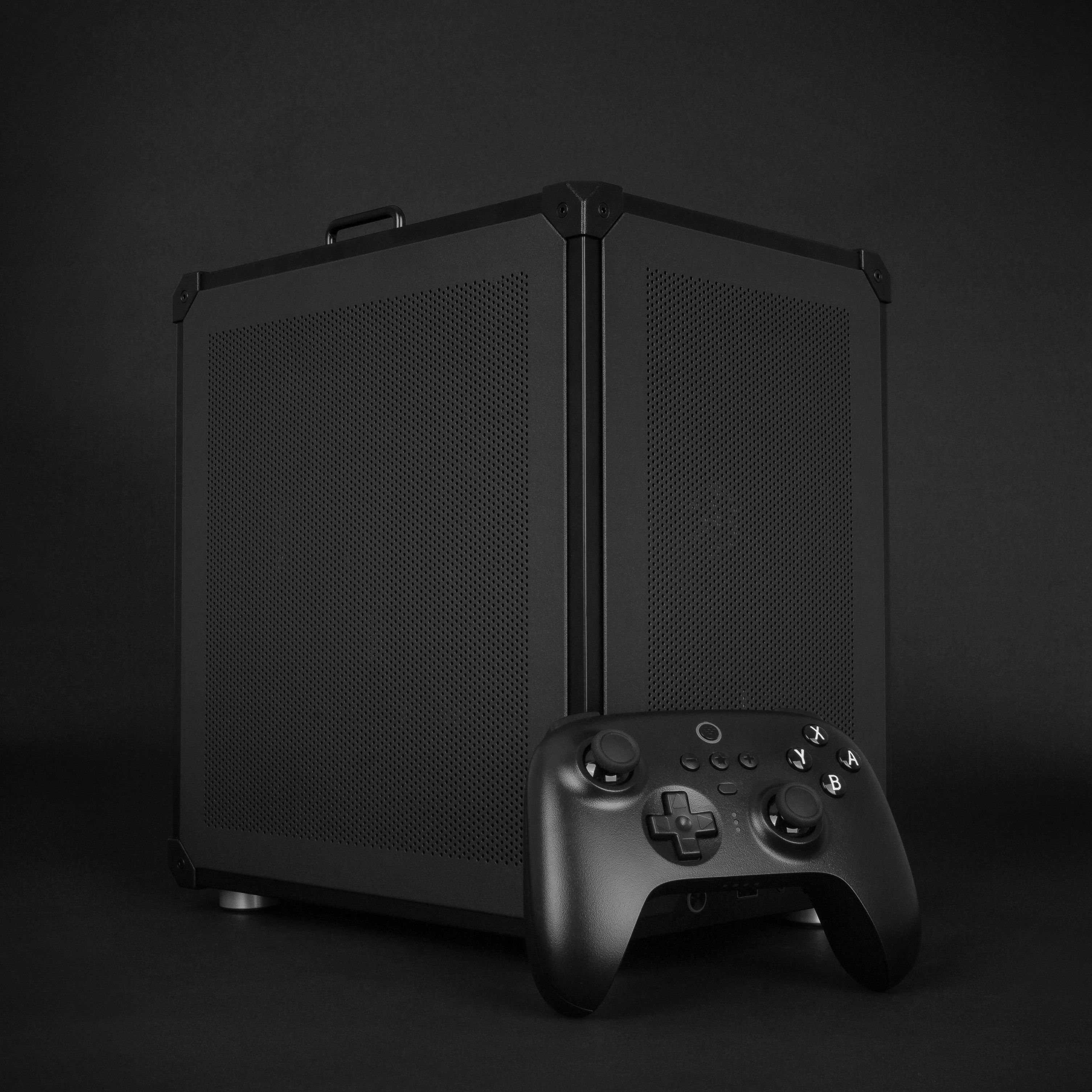
Raster Zero is built around a different priority. The compact micro-ATX footprint makes room for standard desktop components, practical cooling, normal storage, and a compatible desktop GPU. We choose the build around a complete thermal plan: CPU power behavior, GPU fit, fan clearance, airflow direction, and serviceability all matter together.
That is why Raster Zero is a better fit than an ultra-small proprietary PC for the buyer who wants compact hardware without treating noise, heat, and future repairs as someone else's problem.
Previously: Living-Room Gaming PC Setup: Where PCs Still Fall Short of Consoles.