Living-Room Gaming PC Setup: Where PCs Still Fall Short of Consoles
A living-room PC can offer more hardware and library flexibility, but a console still wins at TV power-on, HDMI-CEC behavior, and appliance-like setup. Here is the honest tradeoff.
The best argument for a console is not graphics power. It is that the room disappears from the setup.
Press a controller button. The console wakes, the TV turns on or switches input, and the controller is already the main interface. For a family TV, that appliance behavior is a serious advantage.
A living-room PC can be excellent. It is not always that effortless.
HDMI-CEC is the easy console win
HDMI-CEC lets compatible devices exchange basic control signals through the HDMI connection. Xbox documents HDMI-CEC controls for connected devices, including TV power and input behavior on compatible equipment.
That is why a console can feel like one system with the TV. The hardware, operating system, controller flow, and HDMI behavior are designed around a narrow set of predictable use cases.
A PC can get close, but setup still matters
Steam Big Picture, a controller-friendly interface, Bluetooth or wireless USB receivers, wake settings, and a good HDMI connection can make a PC comfortable on a TV. But the result depends on the PC, television, controller, BIOS settings, operating system, receiver or soundbar, and HDMI chain.
Some PC setups use a USB HDMI-CEC adapter. Pulse-Eight documents one Windows 11 workflow that can turn on a TV when a PC boots. That is useful for the people who want to tune a setup. It is not the same as built-in console behavior.
This is worth saying clearly because a compact PC should not be sold as a console replacement without caveats. The buyer who wants the most predictable possible TV setup should buy a console.
What a well-considered living-room PC should do
The goal is not to pretend every PC can match a console's power behavior today. The goal is to remove the friction that hardware design can actually control:
- Keep the system compact enough to fit a real media setup.
- Keep gaming noise reasonable for a couch-distance machine.
- Support normal desktop parts so the PC remains useful when needs change.
- Make controller-first use practical when the game and operating system support it.
- Give clear setup guidance instead of pretending every TV behaves the same way.
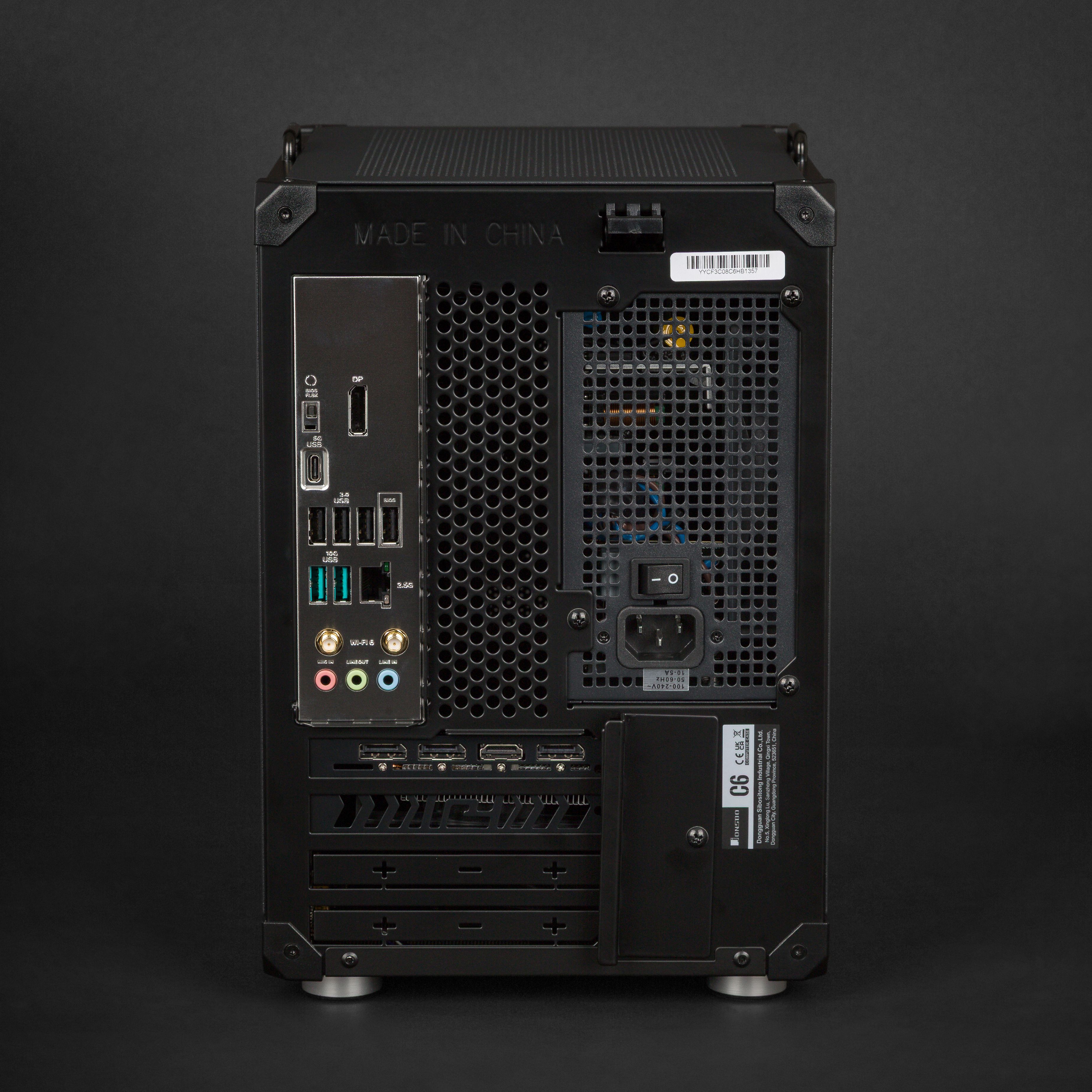
Raster Zero is built around those parts of the problem. It is a compact, standard-parts desktop designed to fit near a TV while keeping the PC benefits a console cannot offer: store choice, a PC game library, Windows compatibility, serviceability, and a real upgrade path.
What Raster Zero does not claim is that it gives every TV the exact one-button behavior of a console. That distinction matters. We would rather set the right expectation and build a PC that stays useful for years than call a complex setup effortless.
Who should choose which
Choose a console when the household needs the simplest possible input, power, and controller experience.
Choose Raster Zero when you want a compact living-room PC and value the library, hardware, and operating-system flexibility enough to accept a little initial setup. It is a better fit for the person who sees the TV as another place to use their PC, not a reason to buy into a second hardware ecosystem.
AMD Raster Zero configurations are built for SteamOS and include setup guidance.
Previously: Your PC Game Library Can Follow You From Desk to TV. Next: How to Keep a Compact Gaming PC Cool.