What You Can Actually Upgrade on a Gaming PC
Consoles can expand storage, but a standard desktop PC can also service or upgrade compatible memory, graphics, cooling, storage, and power components. Here is what that difference means in practice.
When people say a gaming PC is upgradeable, they often mean it in the broadest possible way: swap anything, forever, with no limits.
That is not realistic. Every computer has physical, electrical, and platform limits. A future graphics card still has to fit the case, work with the power supply, and make sense with the rest of the system.
The useful difference is simpler: a standard desktop PC lets you repair or change compatible parts one at a time. A console is primarily a fixed system with a few supported expansion paths.
What consoles can change
Modern consoles are not completely closed. PS5 supports compatible M.2 SSD expansion. Xbox Series X and Series S support official storage expansion cards. Those upgrades are useful, especially as game installs get bigger.
But storage expansion is not the same as changing the core system. The CPU, graphics hardware, system memory, motherboard, and power design remain part of the original console. That fixed architecture is one reason a console is easy to target and easy to use. It is also why a console eventually reaches the end of what it can do as a generation.
What a standard desktop PC can change
The exact options depend on the individual build, but a normal desktop platform can usually give an owner choices such as:
- Add or replace M.2 or SATA storage.
- Change compatible desktop memory.
- Replace a failed case fan or CPU cooler.
- Upgrade the graphics card when case clearance and power allow it.
- Replace a power supply with a compatible unit.
- Move working drives and some other components into a later platform.
The practical benefit is not that everyone should become a PC builder. It is that a failed fan should not mean replacing a whole computer, and a full storage drive should not mean buying another box.
Why the parts standard matters
Not every small PC is built for that kind of ownership. Some compact systems rely on custom boards, unusual power supplies, soldered memory, or a chassis that only accepts one specific component layout. They may be small and attractive, but they can be expensive to service when something changes.
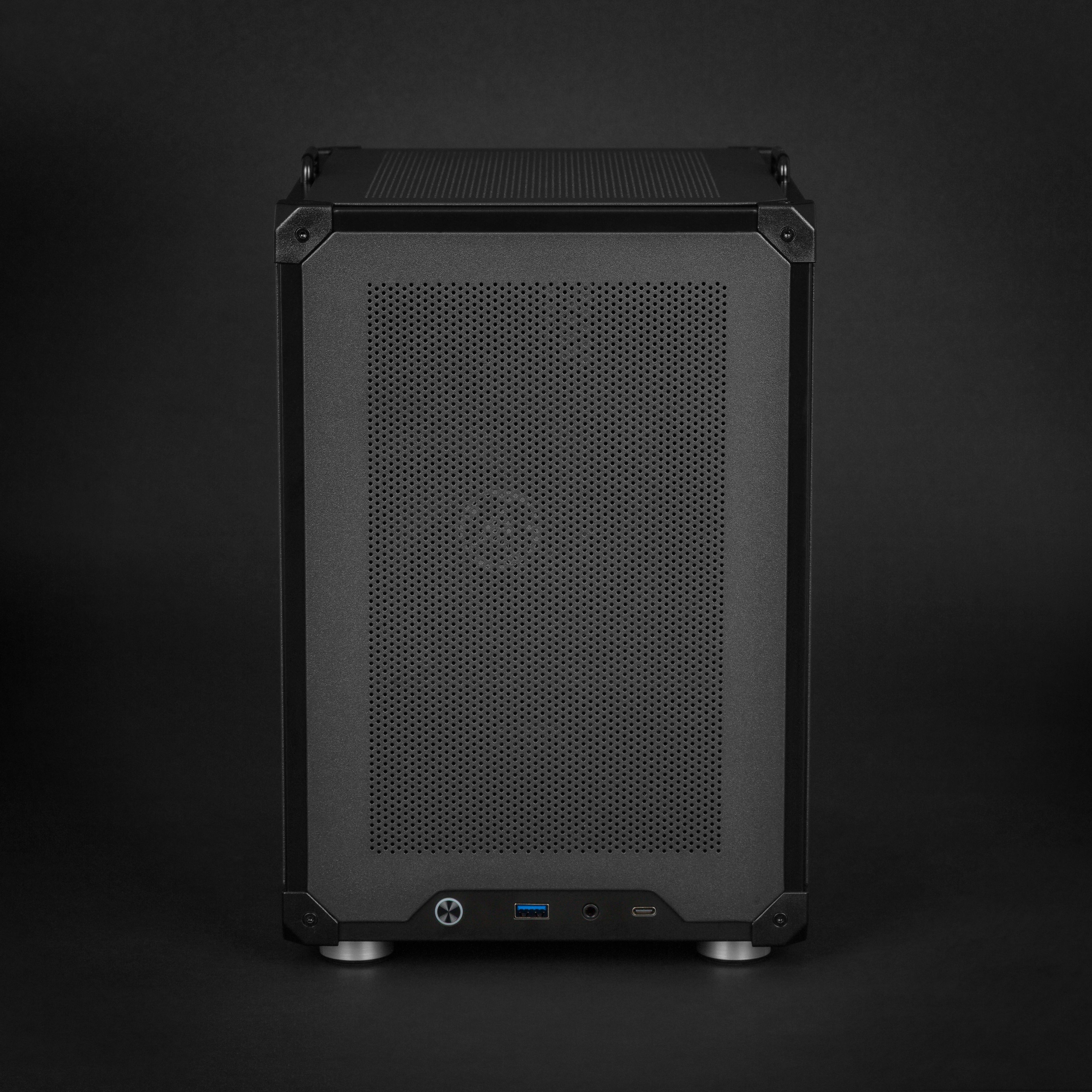
Raster Zero is deliberately built around standard desktop components in a compact micro-ATX chassis. The system uses desktop memory, M.2 storage, a standard ATX power supply, standard cooling parts, and a compatible desktop GPU. That gives an owner a more normal repair and upgrade path without asking them to put a huge tower in the living room.
This is where Raster Zero is stronger than a sealed console and a proprietary mini PC: the compact size does not come from making the internals disposable.
The console advantage is still real
There is a fair reason people choose a fixed console. Fewer choices can mean fewer problems. Developers target one known hardware design, and the buyer does not need to consider part compatibility, firmware settings, or case dimensions.
If that simplicity is the priority, a console is a good purchase. If you want a compact system that can adapt when a drive fills up, a fan fails, or your performance needs change, a standard-parts PC is a better ownership model.
Raster Zero is designed for the second buyer: someone who wants the tidy footprint of a console-style setup but wants the ability to keep the machine useful instead of replacing it as a sealed unit.
Next: Your PC Game Library Can Follow You From Desk to TV.