Your PC Game Library Can Follow You From Desk to TV
PC and console purchases are both account-based, but a PC library can work across more kinds of compatible hardware. Here is what that means for desktop, TV, laptop, and handheld gaming.
Digital console libraries are better than they used to be. Purchases are connected to an account, backward compatibility has improved, and supported games can often move to a newer console in the same family.
So the meaningful PC advantage is not that console buyers are tied to one physical box. They are not. The difference is the range of hardware on which a PC library can work.
A PC library can change hardware without changing platforms
For a Steam player, the same account can be used on a desktop, laptop, handheld PC, or a PC connected to a TV. The hardware can change while the account, friends list, saves where supported, and purchase history remain familiar.
The same is true in different ways for other PC stores. GOG offers offline installers for many purchases. Microsoft sells certain titles through Xbox Play Anywhere, which can provide access on both Xbox and Windows for supported games. Publisher launchers and direct developer stores add more choices, although they also add more accounts to manage.
PC is not perfect here. DRM exists. Games can leave online services. A title may need a launcher, a particular version of Windows, or an anti-cheat system that does not work on every operating system. Portability means more compatible hardware options, not a promise that every game works everywhere.
Consoles remain strong inside their ecosystems
Console ecosystems have real strengths: a familiar interface, shared household accounts, platform-specific social features, and predictable compatibility. If your games, friends, saves, and subscriptions already live in one console ecosystem, staying there can be the simplest and best choice.
The limitation appears when the buyer wants the same library to work across different kinds of devices. A PlayStation library primarily serves PlayStation hardware. A Nintendo library primarily serves Nintendo hardware. An Xbox library is tied to Microsoft's supported Xbox and Windows programs. They may move forward inside their ecosystems, but they are not a general PC library that can be used across any compatible desktop, laptop, or handheld.
Why a living-room PC should not mean a second library
This is where Raster Zero fits. Some players already have a PC library but want a machine that feels at home next to a TV. They should not have to abandon that library or buy the same games again for a second platform just to play from the couch.
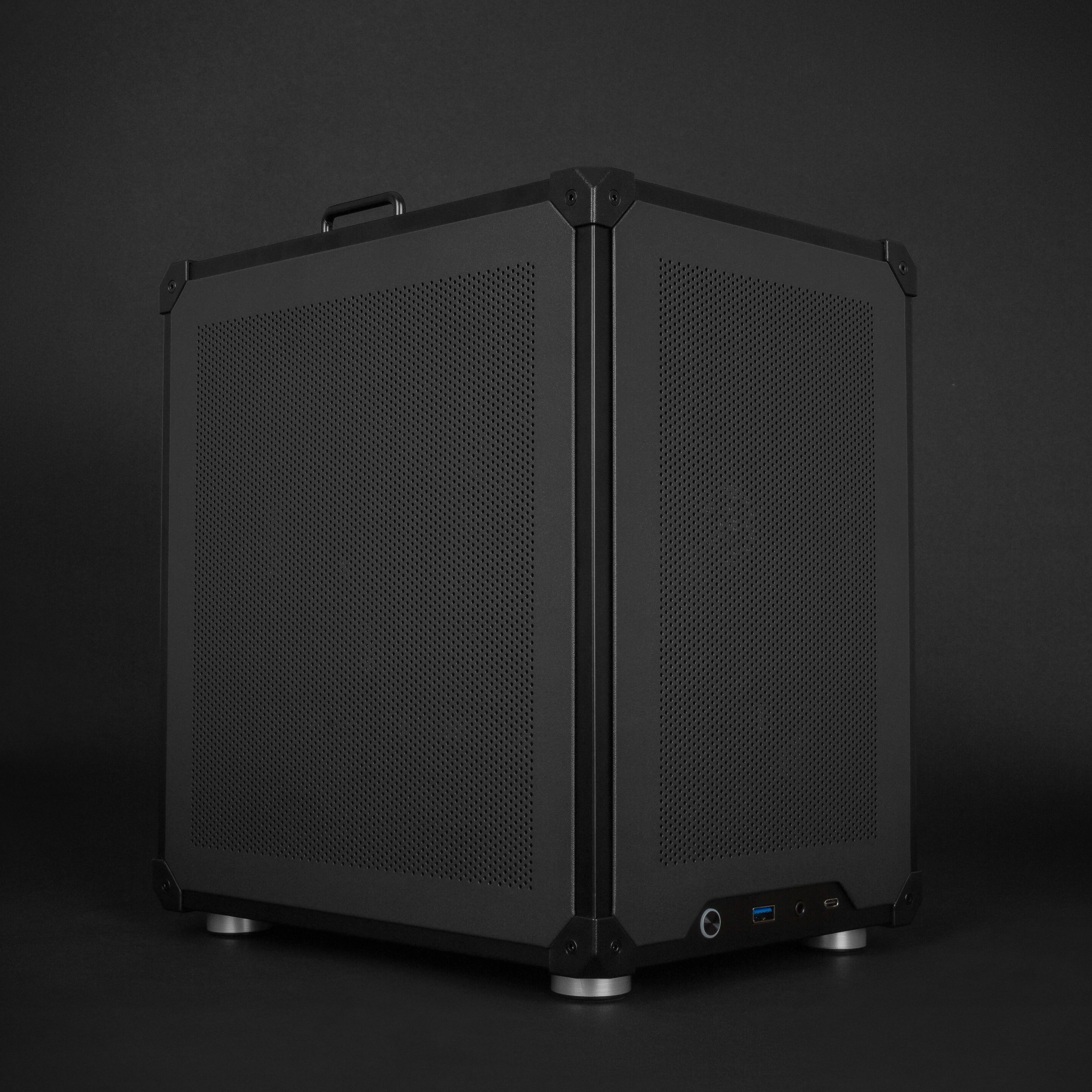
Raster Zero gives that PC library a compact living-room home. Put it on a desk, connect it to a TV, or move it between both. Use Windows for the games and services that need it. Choose an AMD configuration for a SteamOS controller-first setup when that better fits the room.
The point is not that a PC replaces every console. The point is that a compact PC can add a TV setup to the library you already own instead of creating another closed branch of it.
AMD Raster Zero configurations are built for SteamOS and include setup guidance.
Previously: What You Can Actually Upgrade on a Gaming PC. Next: The Living-Room PC Setup Tradeoff.